Tokens, vectors, and embeddings are related, but they are not the same thing. Tokens are the small pieces of text that language models read, embeddings are learned numerical representations of meaning, and vectors are the number arrays that store those representations. In AI database systems, this relationship matters because documents are often split into token-aware chunks, converted into embedding vectors, stored in a vector index, and retrieved later when an application needs relevant context.
This guide explains the three terms in practical language, shows how tokens feed models, describes how models produce embeddings, and connects token limits to chunking decisions in retrieval-augmented generation and semantic search systems. By the end, the difference between a token, an embedding, and a vector should feel concrete enough to use when designing, debugging, or explaining an AI database workflow.
The Short Version: Three Terms That Are Easy to Mix Up
Tokens, embeddings, and vectors often appear in the same conversation because they are all part of the path from text to searchable meaning. A document starts as human-readable language. Before a model can process it, the text is broken into tokens. The model then uses those tokens to compute internal numerical representations. When an embedding model is used, the final result is an embedding: a vector that represents the meaning of the input text in a form that can be compared with other vectors.
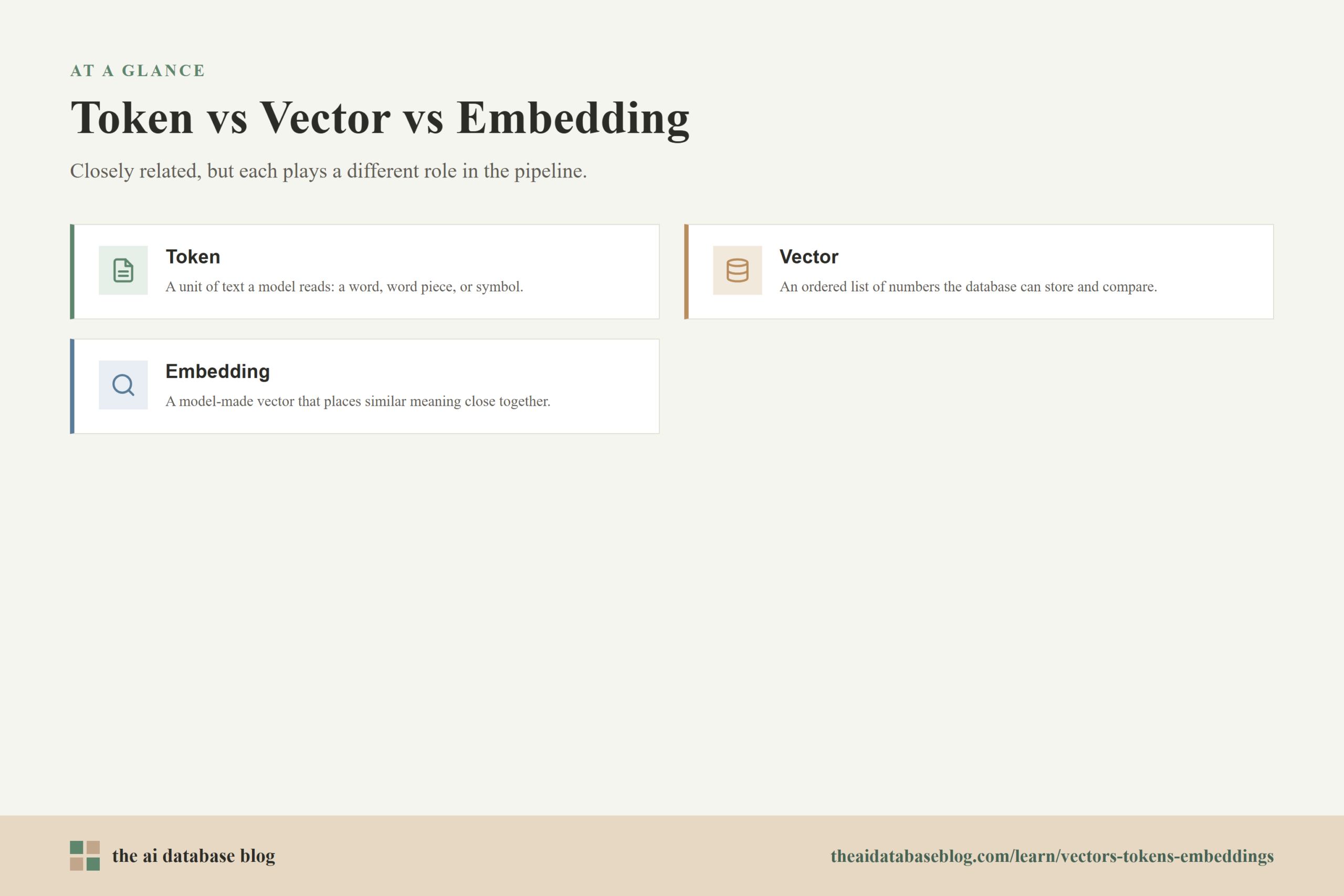
- A token is a unit of text used by a model. It may be a word, part of a word, punctuation, whitespace, or another text fragment depending on the tokenizer.
- A vector is an ordered list of numbers. In AI databases, vectors are commonly used to store machine-readable representations that can be compared mathematically.
- An embedding is a meaningful vector produced by a model. It is designed so that inputs with related meaning tend to have vectors that are close together in embedding space.
The main confusion comes from the fact that embeddings are vectors, but not every vector is an embedding. A vector can represent many things: coordinates, image features, sparse keyword weights, database statistics, or model outputs. An embedding is a specific kind of vector learned by a model to represent something useful about the input, such as semantic meaning.
Once those definitions are clear, the next question is how text gets transformed into something a database can index. That process starts before embeddings exist, with tokenization, because models do not consume raw paragraphs in the same way people read them.
What Tokens Are and Why Models Need Them
A token is the model’s working unit for text. Instead of reading a sentence as one continuous string of characters, a language model receives a sequence of token IDs. Each token ID corresponds to a known piece in the model’s vocabulary. This lets the model process text in a consistent numerical form while still representing open-ended language.
Tokens are not always the same as words. A common short word may be one token, while a longer or less common word may be split into several tokens. Punctuation, spaces, numbers, code fragments, and non-English text can also affect token counts. This is why estimating token usage by word count alone is useful only as a rough approximation.
How tokenization works in practice
Tokenization usually converts text into a sequence of smaller units, then maps each unit to an integer ID. The model does not directly receive the original text; it receives these IDs and uses learned parameters to interpret them. For example, a short sentence might be split into tokens that include whole words, word pieces, and punctuation marks.
Original text:
AI databases retrieve relevant context.

Possible token-like pieces:
AI | databases | retrieve | relevant | context | .

What the model receives:
token IDs that correspond to those pieces
The exact split depends on the tokenizer used by the model. Two models can tokenize the same sentence differently, which means token counts are model-specific. This matters when preparing data for embedding, search, or generation because the same document chunk may be acceptable for one model and too long for another.
Why token count matters
Every model has a maximum amount of input it can process at once, usually described as a context length or token limit. For a text generation model, the limit often includes both input tokens and output tokens. For an embedding model, the input must fit within that model’s supported token length. If the input is too long, the system must shorten it, split it, or reject it.
Token limits are not just technical fine print. They shape how much context can be included in a prompt, how large each document chunk can be, how much retrieved material can be sent to a generator, and how expensive or slow a workflow becomes. A retrieval system that ignores token limits may retrieve good information but fail to fit it into the next model call.
Tokens explain how text becomes processable by a model, but they do not yet explain how a system compares meaning. For that, the model needs to turn token sequences into numerical representations that can be searched, ranked, and compared. This is where vectors and embeddings enter the picture.
What Vectors Are in AI Database Systems
A vector is an ordered list of numbers. In a simple two-dimensional example, a vector might look like coordinates on a map. In an AI database, a vector usually has many more dimensions, and each number helps represent some learned feature of the input. The individual dimensions are not usually easy for humans to label, but together they can capture patterns that are useful for similarity search.
When an AI database stores vectors, it can compare them using distance or similarity measures. If two vectors are close under the chosen measure, the system treats their original inputs as likely related. This is the foundation of semantic search, where a query can retrieve text that is conceptually relevant even when it does not share the exact same words.
Vectors are the storage format, not the whole meaning
It is tempting to say that a vector “contains meaning,” but that is only partly true. The vector stores a numerical representation produced by a model. Its usefulness depends on the model, the training data, the input text, the distance metric, and the retrieval setup around it. The numbers by themselves are not a human-readable explanation of meaning.
This distinction is important for AI databases because the database does not magically understand documents. It stores vectors, metadata, and sometimes raw text. The meaning comes from how the embedding model represents inputs and how the retrieval system compares, filters, and ranks those representations.
Dense and sparse vectors
Many modern semantic search systems use dense vectors, where most dimensions have nonzero values and the vector is intended to capture broad semantic similarity. Search systems may also use sparse vectors, where most values are zero and nonzero dimensions often correspond more closely to terms or features. Dense vectors are useful for meaning-based matching, while sparse representations can preserve exact-term signals.
Hybrid search combines these approaches by using both semantic similarity and lexical matching. This is helpful when a query needs conceptual understanding but also benefits from exact names, codes, abbreviations, or domain-specific terms. Tokens, vectors, and embeddings still matter in hybrid search, but they play different roles in different parts of the retrieval pipeline.
Vectors give the database something it can store and compare. The next step is understanding the special case that matters most for semantic retrieval: embeddings, which are vectors created by models to represent the input in a useful space.
What Embeddings Are and How Models Output Them
An embedding is a vector produced by a model from an input such as text, an image, audio, code, or another data type. For text retrieval, an embedding model takes a tokenized text input and outputs a numerical vector. The goal is not to reproduce the text, but to place related inputs near each other in a high-dimensional space so that similarity search becomes possible.
For example, a question about “how to split documents for retrieval” should ideally produce an embedding close to passages about chunking, context windows, and retrieval quality. It may not need the exact word “chunking” to find relevant content if the embedding model has learned that the concepts are related.
How token input becomes an embedding
The embedding process can be simplified into a few steps. First, the input text is tokenized. Second, those tokens pass through the model, where layers of learned parameters transform the sequence into contextual numerical signals. Third, the model produces a fixed-size or model-defined vector representation that can be stored and compared.
Text input
  -> tokenization
  -> token IDs
  -> embedding model
  -> embedding vector
  -> vector database or vector index
The embedding vector is usually a list of floating-point numbers. Its length is called the vector dimension. The best dimension size depends on the model and use case; larger vectors can carry more representational capacity, but they can also increase storage, indexing, and search costs. The practical question is not whether the vector is large or small in isolation, but whether it supports accurate retrieval at acceptable cost and latency.
Embeddings are usually created for chunks, not whole knowledge bases
In retrieval systems, embeddings are commonly generated for chunks of documents rather than entire collections. A whole manual, policy document, or transcript is often too broad to represent as one useful vector. If one vector represents too much information, it may become vague and retrieve poorly because many different topics are compressed into a single point.
Chunk-level embeddings make retrieval more precise. A query can match the specific section that answers it instead of retrieving an entire document and hoping the relevant paragraph appears somewhere inside. The system can still store metadata such as document title, section heading, page number, timestamp, author, or access permissions so retrieved chunks can be traced back to their source.
Embeddings make similarity search possible, but the quality of retrieval depends heavily on what gets embedded. That leads directly to chunking: the practical step where token limits, document structure, and retrieval goals meet.
How Token Limits Affect Chunking
Chunking is the process of splitting longer content into smaller pieces before embedding, indexing, and retrieval. Token limits are one reason chunking is necessary, but they are not the only reason. Good chunking also improves relevance by keeping each searchable unit focused enough to match a query accurately while preserving enough context to be useful when retrieved.
A chunk must usually fit within the embedding model’s input limit. Later, when retrieved chunks are sent to a language model for answer generation, they must also fit within the generation model’s available context along with the user’s question, system instructions, conversation history, and any other retrieved material. This means chunking has to account for both the embedding stage and the generation stage.
Why chunk size is a tradeoff
Small chunks can improve precision because each vector represents a narrower idea. However, chunks that are too small may lose important context. A single sentence might mention “the limit” without explaining which limit it means, making the retrieved result hard to use on its own.
Large chunks preserve more context, but they can blur multiple topics together. If a chunk contains a pricing policy, an implementation note, and an unrelated troubleshooting section, its embedding may be less focused. It may also consume too much of the available context window when included in a generated answer.
Why overlap is often useful
Many chunking strategies use overlap, where the end of one chunk is repeated at the beginning of the next. Overlap helps prevent important information from being split across boundaries. For example, if a definition appears at the end of one chunk and an example appears at the start of the next, overlap can make both chunks more understandable and easier to retrieve.
Overlap also has costs. It increases the number of tokens embedded, the number of vectors stored, and the amount of repeated text that might be retrieved. The best overlap depends on the document type, the query patterns, and the acceptable balance between recall, precision, storage, and latency.
Chunk by meaning, not only by character count
Token-aware chunking is usually better than character-count chunking because model limits are measured in tokens, not characters. However, token count alone is still not enough. A useful chunk should also respect natural boundaries such as paragraphs, headings, list items, tables, sections, or speaker turns in a transcript.
Structure-aware chunking often works better than blindly cutting text every fixed number of tokens. If a section contains a complete explanation, keeping that explanation together can produce a cleaner embedding and a more useful retrieval result. Fixed-size chunking can still be useful, especially for simple pipelines, but it should be tested against real queries.
Chunking turns token limits from an abstract model constraint into a design choice. Once the chunks are embedded and stored, an AI database can use those vectors to retrieve candidate context. The quality of that retrieval depends on the full pipeline, not just on the embedding model.
How the Pieces Work Together in a Retrieval Pipeline
In an AI database workflow, tokens, embeddings, and vectors are connected by a sequence of transformations. The user or application begins with raw content. The system splits the content into chunks, tokenizes each chunk for the embedding model, generates an embedding vector, stores that vector with metadata, and later compares query embeddings against stored vectors to find relevant matches.
The same pattern happens at query time. A user’s search question is tokenized and embedded. The resulting query vector is compared with stored vectors in the database. The closest matches are returned, often with filters, reranking, or hybrid keyword signals. If the application uses retrieval-augmented generation, the retrieved chunks are then placed into a prompt so a language model can generate an answer grounded in that context.
Document text
  -> chunks
  -> tokens
  -> embedding vectors
  -> vector index

User query
  -> tokens
  -> query embedding vector
  -> similarity search
  -> retrieved chunks
  -> generated answer or search result
This pipeline explains why the terms are often discussed together. Tokens control what the model can read at once. Embeddings represent the meaning of that input. Vectors are the database-friendly form used for indexing and comparison. Chunking shapes the input before embedding, which means it can improve or weaken every later step.
A practical example
Imagine a support knowledge base with long troubleshooting articles. If each full article is embedded as one vector, a search for a specific error message may retrieve the right article but not the exact fix. If each paragraph is embedded separately, retrieval may find the error message but miss the surrounding setup instructions. A better approach may be to chunk by section, keep headings with their body text, include modest overlap, and store metadata that identifies the product area and article title.
That design uses all three concepts correctly. The chunks are sized with token limits in mind. Each chunk is tokenized and converted into an embedding. Each embedding is stored as a vector that the AI database can search. The result is a retrieval system that is easier to tune because each part of the workflow has a clear purpose.
Understanding the pipeline also makes it easier to diagnose problems. When retrieval fails, the issue may be tokenization, chunking, embedding quality, vector search configuration, metadata filtering, reranking, or prompt construction. Clear terminology helps teams identify the real source of the problem instead of treating “the vector database” as one vague component.
Common Mistakes When Using These Terms
Because tokens, vectors, and embeddings are closely related, teams often use the terms interchangeably. That can create confusion during system design, debugging, and evaluation. Precise language is not just academic; it helps separate input constraints, representation quality, and database behavior.
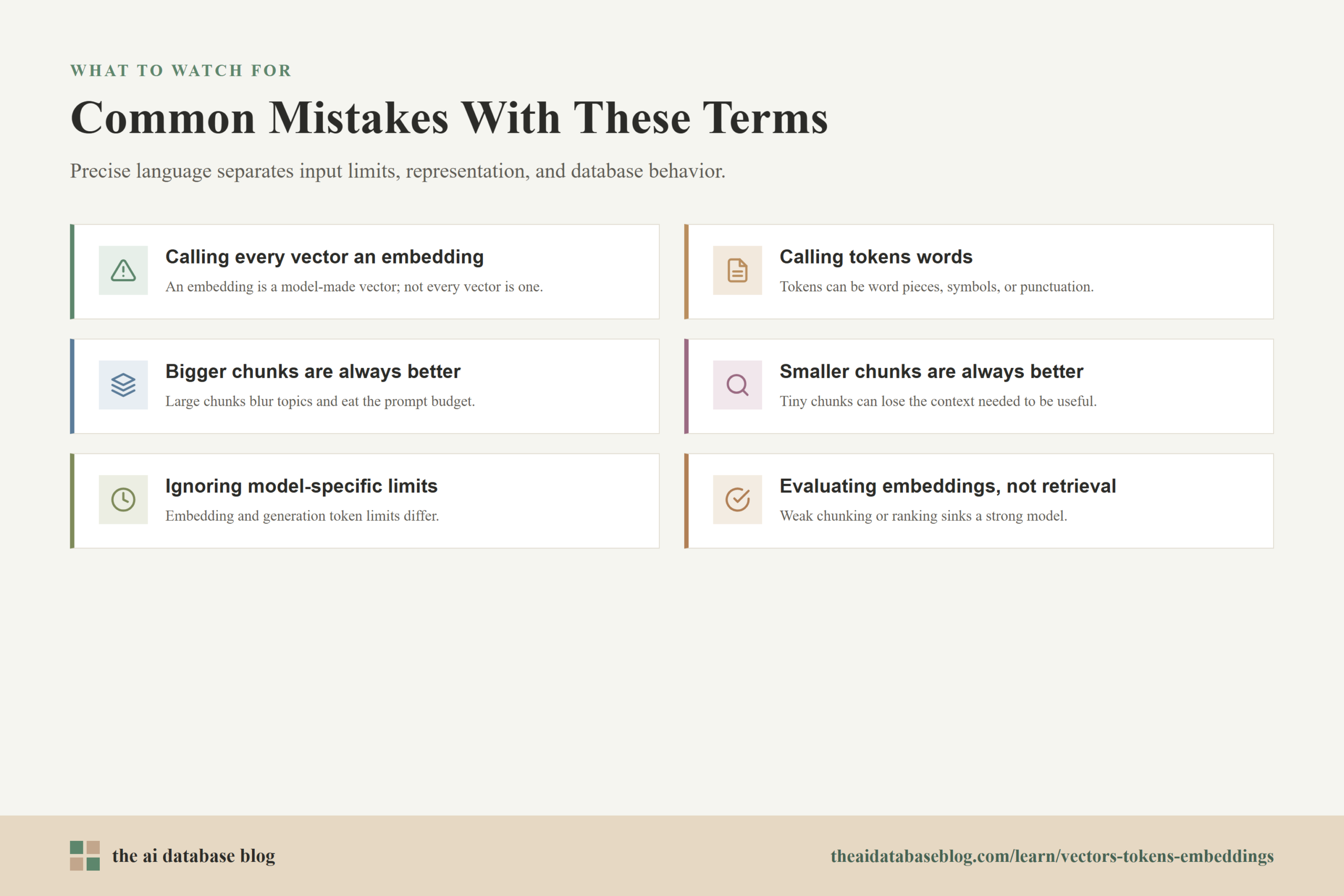
- Calling every vector an embedding: An embedding is a vector, but a vector can represent many other things. Use “embedding” when the vector was produced by a model to represent input data.
- Calling tokens words: Tokens can be words, word pieces, symbols, punctuation, or other fragments. Word count and token count are related, but they are not identical.
- Assuming larger chunks are always better: Larger chunks preserve context, but they can reduce retrieval precision and consume more of the prompt budget.
- Assuming smaller chunks are always better: Smaller chunks can match queries precisely, but they may lack enough surrounding context to be useful.
- Ignoring model-specific limits: Token limits depend on the model and the workflow stage. Embedding input limits and generation context limits are related but not the same.
- Evaluating embeddings without evaluating retrieval: A strong embedding model can still perform poorly if chunking, metadata, indexing, or ranking choices are weak.
These mistakes are fixable when the system is treated as a pipeline. The next step is to turn the terminology into practical design guidance that can be used when building or improving an AI database application.
Practical Guidance for AI Database Design
When designing an AI database workflow, start by deciding what each chunk should represent. A chunk should be large enough to answer a likely query with useful context, but small enough that its embedding stays focused. It should also fit within the token limits of the embedding model and leave room for retrieved context to be used later in generation.
Use token-aware measurement rather than relying only on characters or pages. A page of legal text, a code file, and a transcript may have very different token patterns. Measuring chunks with the tokenizer used by the relevant model gives a more realistic view of whether the pipeline will fit within limits.
- Keep headings with the content they describe. Headings often provide the context that makes a chunk understandable and easier to retrieve.
- Store useful metadata with each vector. Metadata such as source document, section, timestamp, category, permissions, and version can improve filtering and traceability.
- Test chunk sizes with real queries. Retrieval quality depends on user intent, document structure, and domain vocabulary, so real evaluation is better than relying on a generic chunk size.
- Plan for prompt budget. Retrieved chunks must share the context window with the user question, instructions, conversation history, and generated output.
- Review failed searches manually. Failed retrieval examples often reveal whether chunks are too broad, too narrow, poorly labeled, or missing important metadata.
A useful rule of thumb is to treat chunking as part of relevance design, not just preprocessing. The chunk is the unit that gets embedded, stored, retrieved, and shown to a model or user. If the chunk is poorly shaped, the embedding vector may faithfully represent an unhelpful unit of text.
FAQs
1. Are tokens the same as words?
No. A token can be a word, part of a word, punctuation, whitespace, a number fragment, or another text unit depending on the tokenizer. Token counts are model-specific, so the same sentence may produce different token counts with different models.
2. Is an embedding the same thing as a vector?
An embedding is a type of vector, but the terms are not identical. A vector is any ordered list of numbers. An embedding is a vector produced by a model to represent the meaning or features of an input.
3. How do tokens become embeddings?
Text is first converted into token IDs. Those IDs pass through an embedding model, which uses learned parameters to transform the input into a numerical vector. The output vector can then be stored and compared with other vectors.
4. Why do token limits affect chunking?
Token limits define how much text a model can process at once. If a document section is longer than the embedding model can accept, it must be split. Retrieved chunks must also fit into the later generation prompt, so chunking affects both indexing and answer generation.
5. Should chunks be based on tokens, paragraphs, or sections?
Good chunking usually combines token awareness with document structure. Token counts keep chunks within model limits, while paragraphs and sections help preserve meaning. A practical approach is to split by natural structure, then check and adjust by token length.
6. Can a vector database understand text by itself?
No. A vector database stores and searches vectors, but the semantic representation comes from the embedding model and the surrounding retrieval design. The database can compare vectors efficiently, while the quality of meaning-based retrieval depends on the embeddings, chunks, metadata, and ranking strategy.
Takeaway
Tokens, vectors, and embeddings are connected parts of the same AI database workflow, but each one has a different job: tokens are the model’s text units, embeddings are model-generated representations of meaning, and vectors are the numerical form that can be stored and searched. This distinction is useful for developers, architects, and technical teams building retrieval systems, semantic search, or retrieval-augmented generation applications because it clarifies how text becomes searchable context. A practical use case is a knowledge base that chunks documents by section, embeds each chunk, stores the vectors with metadata, and retrieves the most relevant context when a user asks a question.
Watch this video to learn more