A vector database and a NoSQL document store can both support AI retrieval, but they are built around different ideas. A document store organizes flexible JSON-like records and is strongest when the application needs to store, update, and query business entities. A vector database organizes embeddings for similarity search and is strongest when the application needs fast nearest-neighbor retrieval, relevance tuning, metadata-aware search, and horizontal scaling across large vector collections. Adding vectors to a document store is often enough for simpler retrieval-augmented generation, internal search, and applications where vectors belong naturally inside existing documents. A dedicated vector database becomes more useful when retrieval quality, filtered search performance, scale, latency, and operational isolation become central requirements.
This guide explains the practical difference between the document model and the vector model, how filtering works in each system, how horizontal scaling changes the decision, and how to decide whether a vector-enabled document store is enough or a dedicated vector database is the better fit. By the end, you should be able to evaluate the tradeoff based on your data shape, query patterns, and AI application requirements rather than choosing based on labels alone.
The Core Difference Is The Data Model
The most important difference between a NoSQL document store and a vector database is not simply whether the system can store embeddings. It is what the system treats as the primary object of the database. A document store treats the document as the main unit of storage and query. A vector database treats vector similarity search as a first-class retrieval problem and usually stores metadata, identifiers, and payloads around that search function.
That distinction matters because AI applications often combine two very different needs. They need durable application data, such as users, products, tickets, articles, or knowledge base entries. They also need semantic retrieval, where a query like “how do I fix login problems after password reset” should find content that may not contain those exact words. A document store starts from the application object. A vector database starts from the embedding space.
How The Document Model Works
In a NoSQL document store, data is usually represented as flexible documents with fields, nested objects, arrays, and metadata. This model fits applications where each record is a meaningful entity. A support ticket might contain a title, description, customer ID, status, tags, created date, comments, and an embedding field. A product document might contain attributes, inventory state, category data, and one or more vectors representing product text or images.
The advantage is simplicity. The vector can live beside the source data it represents. When the document changes, the application can update the embedding in the same data model. Developers can often use existing permissions, indexing, deployment, backup, and operational workflows. This is especially appealing when vector search is one feature inside a broader application rather than the central workload.
The limitation is that the document model was not originally designed around nearest-neighbor search. Even when a document store adds vector indexing, it may still be optimizing around general document storage, operational queries, and flexible data access. That can be perfectly adequate, but it means vector search performance and filtering behavior need to be evaluated rather than assumed.
How The Vector Model Works
In a vector database, the embedding is the main searchable representation. Each record usually includes a vector, an ID, and metadata fields that help narrow or interpret the result. The system is designed to answer questions like: which items are closest to this query vector, how should those results be filtered, how many candidates should be searched, and how should recall, latency, and memory use be balanced?
This model is especially useful for semantic search, recommendation, similarity matching, retrieval-augmented generation, and multimodal search. The database is not just storing vectors as another field. It is maintaining specialized approximate nearest-neighbor indexes, managing distance calculations, supporting query-time filters, and often exposing controls for hybrid search, reranking, multi-tenancy, and ingestion behavior.
The tradeoff is that a vector database may introduce another system to operate. If the source documents live elsewhere, the team needs a synchronization process so the vector database does not return deleted, outdated, or unauthorized content. This is one reason the choice is not simply “dedicated is better.” The right answer depends on how much retrieval performance is worth compared with the added data pipeline and operational complexity.
Once the data model is clear, the next question is how queries behave. AI retrieval rarely asks only for “the nearest documents.” It often asks for the nearest documents that also match a tenant, permission boundary, product category, time range, language, region, or freshness rule. That is where filtering becomes one of the most important practical differences.
Filtering Capabilities Are Often The Real Decision Point
Filtering sounds simple, but filtered vector search is one of the harder parts of production retrieval. In a normal document query, a filter such as category, status, date, or user ID can use structured indexes. In vector search, the system must combine that structured condition with an approximate similarity search. The challenge is deciding which candidates to search, when to apply the filter, and how to avoid losing relevant results.
For example, imagine an AI support assistant that must retrieve only documents from the customer’s workspace and only articles the user is allowed to see. If the system searches the entire vector index first and then removes unauthorized results afterward, the top candidates may disappear, leaving weak or empty results. If it filters first, the vector search may run over a much smaller and safer candidate set. The difference affects both relevance and access control.
Filtering In Document Stores
Document stores are naturally strong at structured filtering because their documents already contain fields such as tenant ID, status, owner, tags, timestamps, and nested attributes. When vector search is added to the same system, developers can often combine semantic search with document fields without moving data into a separate retrieval service. This can be a major advantage for applications where business rules are tightly tied to the document itself.
The important question is how the system applies those filters during vector search. Some systems support pre-filtering, where the filter narrows the searchable set before the nearest-neighbor query runs. Others rely more heavily on post-filtering, where the vector search returns candidates and then removes results that do not match the filter. Many production systems use a mixture of strategies depending on filter selectivity, index design, and query planner behavior.
Document stores can be enough when filters are simple, predictable, and aligned with existing indexes. They are also attractive when the application must preserve document-level consistency, permissions, and transactional updates. However, if filters are highly selective, deeply nested, multi-tenant, or frequently combined with vector similarity, teams should test recall and latency carefully. Support for filtering does not automatically mean every filter pattern performs well.
Filtering In Vector Databases
Dedicated vector databases usually focus more directly on metadata-aware vector retrieval. They may maintain payload indexes, support pre-filtering, allow partitioning by tenant or collection, and expose controls that help balance recall and performance. This matters when the application cannot afford to retrieve semantically similar results that fail business constraints, or when the filtered subset is small relative to the whole corpus.
Filtering also affects relevance evaluation. In a retrieval-augmented generation system, the best result is not merely the closest embedding. It is the closest useful document that satisfies permissions, freshness, language, topic, and source constraints. If the database handles those constraints poorly, the downstream language model may receive irrelevant or incomplete context even when the vector similarity score looks reasonable.
A useful rule is to treat filtering as part of retrieval quality, not as an afterthought. If the application mostly searches within broad categories, a document store with vector search may work well. If the application depends on precise filtered retrieval across many tenants, access rules, or dynamic business conditions, a dedicated vector database is more likely to justify its operational cost.
Filtering determines whether the system can find the right results under real constraints. The next concern is whether the system can keep doing that as the corpus, query volume, and update rate grow. This is where horizontal scaling becomes more than an infrastructure detail.
Horizontal Scaling Changes The Tradeoff
Horizontal scaling means adding more machines or nodes to handle more data, more queries, or more write activity. Both document stores and vector databases can scale horizontally, but they often scale different parts of the workload. A document store may scale around document storage, operational reads and writes, and shard keys. A vector database may scale around vector indexes, query nodes, partitions, replicas, and the memory or disk requirements of approximate nearest-neighbor search.
Vector search has scaling pressures that are different from ordinary document lookup. Embeddings can be high-dimensional arrays. Approximate nearest-neighbor indexes can require significant memory. Query latency depends on candidate search, index structure, filter selectivity, and result retrieval. Updates may require index maintenance. These factors can make vector search a heavier workload than it first appears, especially when millions or hundreds of millions of embeddings are involved.
How Document Stores Scale With Vectors
A vector-enabled document store can be very effective when the vector workload fits inside the existing database architecture. This is common when the dataset is modest, the application already depends on the document store, and vector queries are not the dominant source of system load. Keeping vectors with the documents reduces data duplication and can simplify consistency, backups, security review, and developer workflow.
The scaling challenge appears when vector queries compete with the main application workload. A semantic search query may consume more CPU, memory, or index resources than a normal document lookup. If the same database also serves user transactions, analytics-like queries, and application reads, vector search can become noisy. Teams may respond by using dedicated search indexes, read replicas, separate clusters, or workload isolation, but those choices reduce some of the original simplicity.
Sharding can also be less straightforward for vector search than for document lookup. A document database can route many operational queries by a shard key, such as tenant ID or region. Vector search may need to compare a query vector against candidates across many shards unless the data can be cleanly partitioned. If every query must fan out broadly, the system may scale, but latency, cost, and operational tuning become more demanding.
How Dedicated Vector Databases Scale
Dedicated vector databases are designed to manage vector-heavy workloads more directly. They may separate storage and compute, partition vector collections, replicate indexes for query throughput, and tune memory use through index choices or compression. This does not make scaling automatic, but it gives teams controls that are specifically aimed at similarity search rather than general document operations.
Horizontal scaling becomes especially important when the application has high query volume, large embedding collections, frequent ingestion, or strict latency targets. A recommendation system, large product search engine, or enterprise knowledge system with many tenants may need to keep retrieval fast while data changes continuously. In those cases, a dedicated vector database can isolate retrieval from the primary application database and scale query capacity independently.
The cost is architectural complexity. The team must decide how documents are chunked, embedded, synced, deleted, re-embedded, versioned, and permissioned across systems. A dedicated vector database is usually the stronger retrieval engine at scale, but it is not a replacement for data modeling discipline. It solves the search problem; it does not remove the need to manage the source-of-truth data carefully.
With data modeling, filtering, and scaling in view, the decision becomes easier to frame. The question is not whether document stores or vector databases are universally better. The practical question is when the simpler integrated option is enough and when the retrieval workload deserves its own specialized system.
When Adding Vectors To A Document Store Is Enough
Adding vectors to a document store is often the right starting point when the AI feature is closely tied to existing application documents. If the same database already stores the content, metadata, permissions, and lifecycle state, keeping embeddings nearby can reduce moving parts. This is especially true when the vector search feature is one part of a larger product rather than the main product experience.
This approach works best when the corpus is small to medium, the query rate is moderate, and the application does not require complex vector-specific tuning. For many internal knowledge bases, support assistants, lightweight semantic search features, and early RAG prototypes, the simplicity of one database can matter more than the theoretical performance advantage of a dedicated vector system.
Good Signs A Document Store Is Enough
A vector-enabled document store is likely enough when the source documents and embeddings should remain tightly coupled. If a document is updated, deleted, or permissioned in one place, the retrieval layer should reflect that quickly and predictably. This reduces the chance of stale search results, duplicate data pipelines, or mismatched access rules.
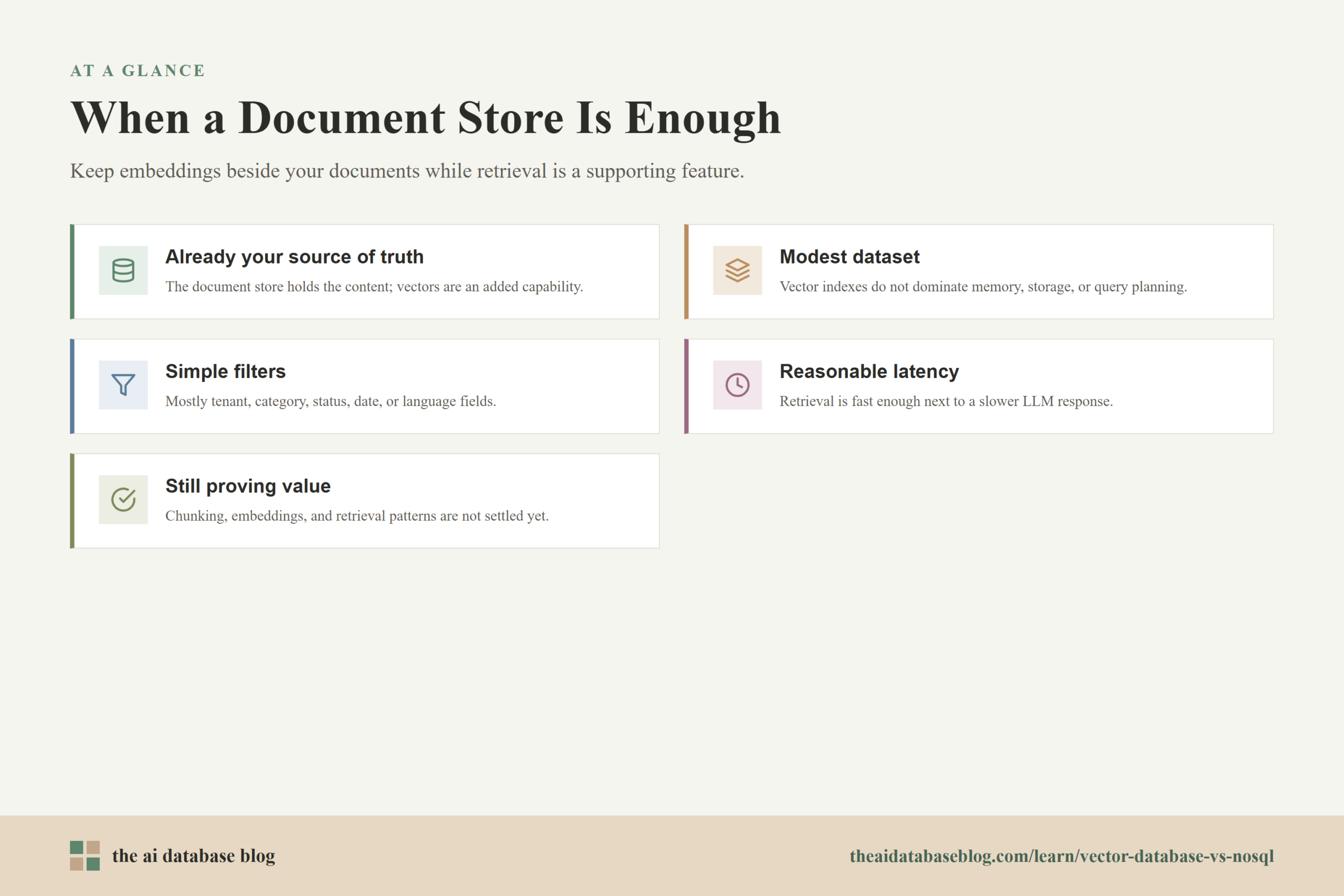
- The application already uses a document store as the source of truth, and vector search is an added capability rather than the core workload.
- The dataset is modest enough that vector indexes do not dominate memory, storage, or query planning.
- Filters are mostly simple fields such as tenant, category, status, date, or language.
- Latency requirements are reasonable, especially when an LLM response takes longer than retrieval.
- The team values operational simplicity, transactional consistency, and fewer synchronization pipelines.
- The application is still proving product value, retrieval patterns, chunking strategy, and embedding quality.
In these cases, the best engineering decision may be to avoid adding a dedicated vector system too early. Many retrieval problems are caused by poor chunking, weak embeddings, missing metadata, or unclear evaluation criteria. Switching databases will not fix those issues. A document store with vector search can be a practical way to learn what the application actually needs.
Where The Integrated Approach Starts To Strain
The integrated approach starts to strain when vector retrieval becomes a major workload rather than a supporting feature. This may show up as slow vector queries, high memory usage, difficult index tuning, limited recall under filters, or interference with ordinary application traffic. It may also appear when the team needs capabilities the document store does not expose clearly, such as advanced hybrid scoring, multiple vector indexes per object, vector compression, or specialized retrieval observability.
Another warning sign is complicated filtering. If the system needs to search across millions of vectors while enforcing tenant boundaries, permissions, date ranges, content types, and business rules, post-filtering can produce poor results. The database may technically support the query, but the quality may degrade because the best candidates are removed after the approximate search has already narrowed the pool.
When these issues become visible, the team should not jump blindly to a dedicated vector database. It should measure the retrieval workload: corpus size, query volume, p95 latency, recall under filters, update frequency, and operational impact on the main database. Those measurements make the next decision much clearer.
If a vector-enabled document store is the right default for simplicity, a dedicated vector database is the right move when retrieval itself becomes a specialized production concern. The next section turns those symptoms into a more concrete decision framework.
When A Dedicated Vector Database Makes More Sense
A dedicated vector database makes more sense when semantic retrieval is central to the product or when the workload has outgrown the general-purpose document store. This does not always mean enormous scale. Sometimes the deciding factor is not vector count alone, but the combination of filtered search, query volume, ingestion rate, latency expectations, and the need to tune retrieval independently from the application database.
The dedicated approach is strongest when vector search deserves its own operational boundary. That boundary lets teams scale retrieval separately, tune indexes without affecting transactional workloads, and evaluate relevance as a production system. It also makes sense when search is used by multiple applications or services and needs to behave like shared AI infrastructure rather than a field inside one document collection.
Good Signs You Need A Dedicated System
The clearest sign is that vector search has become important enough to need independent performance, reliability, and relevance controls. If users experience the product primarily through semantic search, recommendations, or RAG answers, then retrieval quality is product quality. In that case, the database should be chosen for its ability to support that retrieval workload directly.
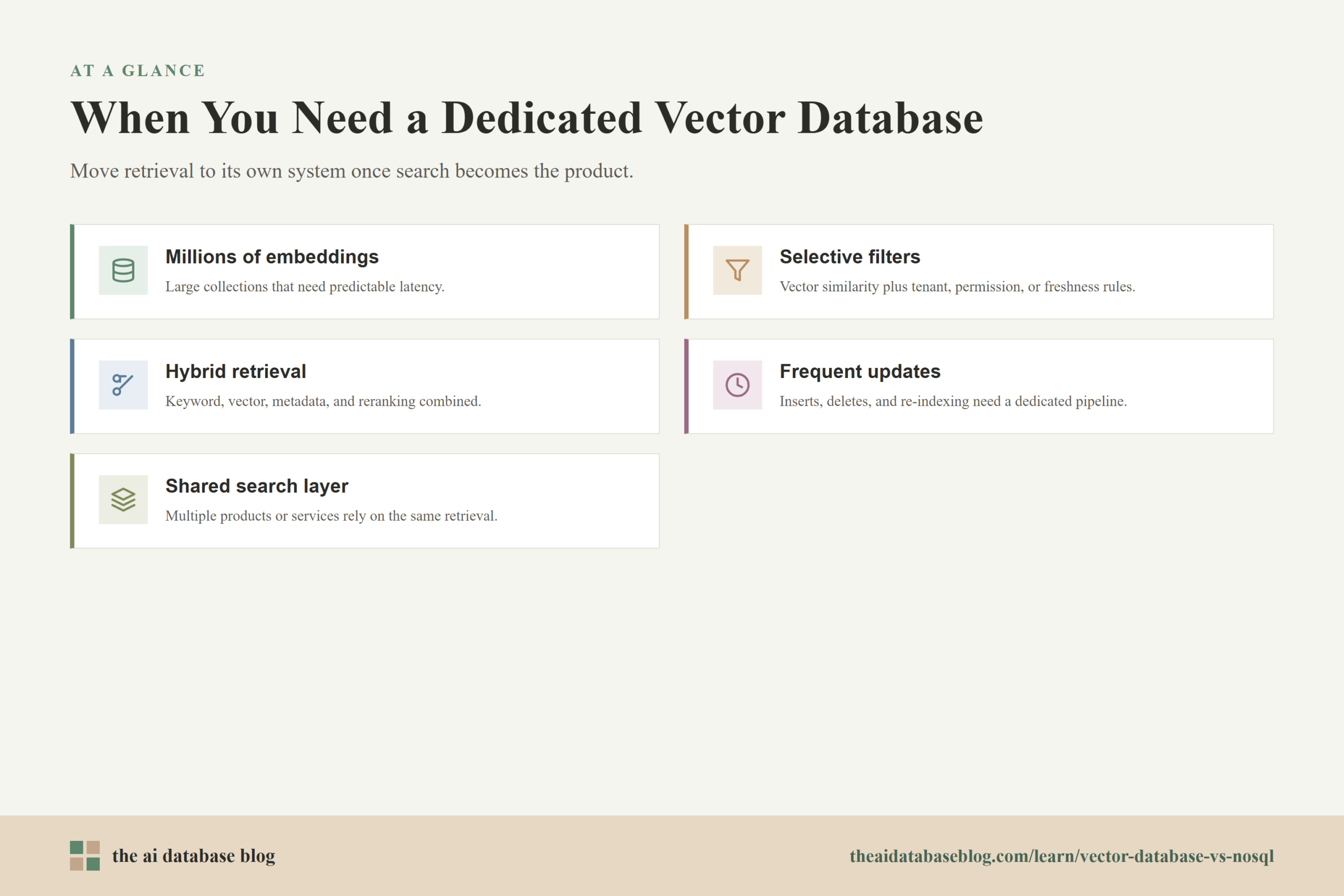
- The application searches millions to hundreds of millions of embeddings and needs predictable latency.
- Queries combine vector similarity with selective filters, tenant boundaries, permissions, or freshness rules.
- The system needs hybrid retrieval, such as combining keyword search, vector similarity, metadata constraints, and reranking.
- Embedding updates, deletes, or re-indexing jobs are frequent enough to require a dedicated ingestion strategy.
- The primary document database should be protected from heavy search traffic.
- Retrieval is shared across multiple products, teams, or services.
- The team needs vector-specific controls for indexing, recall, compression, replication, or partitioning.
In these cases, a dedicated vector database can reduce the tension between operational data storage and retrieval performance. The application database remains the source of truth, while the vector database becomes a specialized retrieval layer. That separation can improve scale and tuning, but it also creates responsibility for synchronization, monitoring, and access-control correctness.
The Dedicated System Still Needs A Source Of Truth
A common mistake is treating a vector database as if it replaces the document store. In most AI applications, it does not. The source documents, permissions, version history, customer state, and business entities usually still belong in an application database or content system. The vector database stores searchable representations of that content so the application can retrieve useful context quickly.
This means the architecture must answer several practical questions. What happens when a document is deleted? How quickly should its vector disappear from search results? How are permissions represented in metadata? What happens when an embedding model changes? How are chunks linked back to source documents? How is retrieval quality evaluated over time?
A dedicated vector database is valuable when those questions are worth answering because retrieval is important enough. If the application is still small, experimental, or tightly bound to one document collection, those same questions may be unnecessary overhead. The best architecture is the one that matches the maturity and pressure of the retrieval workload.
The final decision is easier when you compare the two options across the specific dimensions that matter: data model, filtering, scaling, consistency, and operational complexity. The table below summarizes the tradeoff in practical terms.
Practical Comparison
| Dimension | NoSQL Document Store With Vectors | Dedicated Vector Database |
|---|---|---|
| Primary model | Flexible documents are the main unit; embeddings are fields inside or alongside those documents. | Vectors are the main searchable representation; metadata and payloads support retrieval. |
| Best fit | Applications where semantic search is added to existing document-centric data. | Applications where semantic retrieval, recommendations, or RAG search are core workloads. |
| Filtering | Strong for document fields, but vector-filter performance depends on index design and query behavior. | Often stronger for metadata-aware vector retrieval, especially with selective filters and tenant boundaries. |
| Horizontal scaling | Scales around document workload first; vector search may need careful isolation as usage grows. | Scales around vector indexing, partitions, replicas, query throughput, and retrieval-specific resource needs. |
| Consistency | Simpler when documents and embeddings live together. | Requires a synchronization strategy between source data and vector records. |
| Operational complexity | Lower when the existing database can handle the workload. | Higher, but often justified when retrieval needs independent scaling and tuning. |
This comparison points to a practical rule: start with the simplest system that can meet measured retrieval needs, but do not ignore the signs that vector search has become a distinct production workload. The decision should be revisited as the application moves from prototype to production and from production to scale.
A Simple Decision Framework
The easiest way to choose is to evaluate the workload rather than the category name. A document store with vector search and a dedicated vector database can both be correct choices. The difference is whether the application is mostly managing documents with some semantic retrieval, or mostly delivering AI retrieval where search quality and performance are central.
Use the following questions to guide the decision:
- Is the source data already stored as documents, and do embeddings need to stay tightly consistent with those documents?
- How many vectors will the system search today, and how many will it search in a year?
- Are filters broad and simple, or selective and business-critical?
- Does vector search share resources with important transactional workloads?
- How strict are the latency and availability requirements?
- Will multiple applications need the same retrieval layer?
- Can the team operate a separate retrieval system and keep it synchronized correctly?
If most answers point to simplicity, consistency, and moderate scale, a vector-enabled document store is probably enough. If most answers point to high-scale retrieval, complex filtering, independent tuning, and shared search infrastructure, a dedicated vector database is likely the better long-term choice.
The decision is not permanent. Many teams start with vectors in an existing database, learn their retrieval patterns, and move to a dedicated vector system once scale or complexity justifies it. That staged approach is often healthier than overbuilding early or waiting too long after retrieval has become a bottleneck.
FAQs
1. Is a vector database the same thing as a NoSQL document store?
No. A NoSQL document store is designed around flexible documents, while a vector database is designed around similarity search over embeddings. Some document stores now support vector search, but that does not make them identical to systems built primarily for vector retrieval.
2. Can I store vectors inside a document store?
Yes. Many applications store embeddings as fields inside document records or alongside those records. This can work well when the vector belongs directly to the document and the application benefits from keeping content, metadata, permissions, and embeddings in one place.
3. When is adding vectors to a document store enough?
It is usually enough when the corpus is small to medium, filters are straightforward, query volume is moderate, and vector search is an added feature rather than the main workload. It is also a strong option when consistency with the source document matters more than specialized retrieval tuning.
4. When should I use a dedicated vector database?
Use a dedicated vector database when retrieval performance, filtered search quality, scale, or independent search infrastructure become central requirements. It is especially useful for large semantic search systems, recommendation engines, multi-tenant RAG platforms, and applications with strict latency targets.
5. Why is filtering hard in vector search?
Filtering is hard because the system must combine structured conditions with approximate similarity search. If it applies filters after vector search, relevant results may be removed too late. If it filters first, the system must efficiently search a narrower candidate set without losing recall or increasing latency too much.
6. Does a dedicated vector database replace my document database?
Usually not. The document database or content system often remains the source of truth for records, permissions, and updates. The vector database acts as a specialized retrieval layer that stores embeddings and metadata for fast similarity search.
Takeaway
Vector databases and NoSQL document stores solve overlapping but different problems. A document store with vector search is often the practical choice when embeddings are part of an existing document-centric application and the team wants simplicity, consistency, and fewer moving parts. A dedicated vector database becomes more compelling when retrieval is central to the product, filters are complex, vector collections are large, and search needs to scale independently from the source data. This guidance is most useful for engineers, architects, and product teams building RAG systems, semantic search, recommendations, or AI knowledge retrieval, where the right database choice depends less on hype and more on the real shape of the workload.