Memory management in vector databases is the practice of deciding which parts of a vector search system must stay in fast memory, which parts can live on disk or cheaper storage, and how those choices affect search latency, recall, and infrastructure cost. The most important idea is the difference between the active working set and cold data: the data that is searched constantly should be close to RAM, while rarely queried vectors can often be compressed, cached selectively, tiered to disk, or searched through a slower path.
This guide explains how vector databases use memory, why some index structures are memory-heavy, what typically needs to remain in RAM, how eviction and storage tiering work, and why memory pressure can quickly turn into higher latency or higher cost. By the end, you should understand how to reason about memory as a design constraint rather than treating it as a simple server sizing problem.
Why Memory Management Matters in Vector Databases
Vector databases store embeddings, which are numeric representations of text, images, audio, code, or other data. A single embedding may contain hundreds or thousands of dimensions, and each dimension often starts as a 32-bit floating-point value. At small scale, this may not sound expensive. At millions or billions of vectors, the memory footprint becomes one of the main limits on how large, fast, and affordable the system can be.
The challenge is that vector search is not like a simple key lookup. A query usually asks for the nearest vectors by similarity, which means the database has to explore an index, compare candidate vectors, apply filters, and return enough high-quality matches for the application. Many popular approximate nearest neighbor indexes trade extra memory for faster search. This is especially visible with graph-based indexes, where the database stores both the vectors and graph connections that help it navigate the search space quickly.
Memory also matters because AI applications often have strict latency expectations. A retrieval-augmented generation system, semantic search interface, recommendation service, or agent memory layer may call the vector database many times per user interaction. If every search waits on slow storage or a thrashing cache, the application can feel sluggish even when the language model or application code is working normally.
Once memory becomes a central design constraint, the next question is not simply how much RAM the database has. The better question is which data actually needs to be fast at query time, and which data can tolerate a slower retrieval path.
Working Set vs Cold Data
The working set is the portion of data and index state that the database needs frequently enough that keeping it in memory improves real user-facing performance. It may include popular vectors, frequently traversed index nodes, high-traffic tenants, recent data, common metadata filters, or query regions that many searches pass through. Cold data is the opposite: it exists in the database, but it is rarely queried, rarely updated, or not needed for low-latency paths most of the time.
This distinction matters because vector datasets are often unevenly accessed. In a customer support assistant, recent product documentation and common troubleshooting articles may be searched constantly, while old release notes are rarely touched. In an enterprise knowledge system, a few teams may use their collections heavily every day, while archived project data sees only occasional searches. In a recommendation system, recent or popular items may dominate traffic, while long-tail items remain useful but less frequently accessed.
A well-managed vector database does not treat every vector as equally hot. If it does, the operator may end up buying enough RAM for the entire dataset, even when only a smaller active subset drives most queries. That can work for smaller systems or applications with consistently low-latency requirements across all data, but it becomes expensive as the dataset grows.
How to Identify the Working Set
The working set is best identified through workload behavior, not only through data size. Useful signals include query frequency, tenant activity, recency, filter selectivity, index traversal patterns, and cache hit rates. A vector may be part of the working set because it is returned often, but it may also be important because the index frequently visits it while searching for other results.
Teams can start with practical measurements. Track which collections, shards, partitions, or tenants receive the most queries. Watch whether searches repeatedly touch the same metadata filters. Compare latency for common queries against latency for rare or broad queries. If a small portion of the system accounts for most query traffic, that portion is a strong candidate for a hot tier or larger cache allocation.
Why Cold Data Still Matters
Cold data should not be confused with useless data. It may still need to be searchable for compliance, discovery, historical analysis, long-tail recommendations, or occasional user questions. The difference is that cold data usually does not need the same latency target as hot data. This gives the system more freedom to use disk-backed indexes, lower-cost storage, compressed representations, batch refreshes, or a separate retrieval path.
Separating hot and cold data helps avoid a common mistake: scaling RAM around total dataset size without asking whether every byte must be instantly searchable. The more clearly a team understands access patterns, the more deliberately it can choose what belongs in memory.
After separating hot and cold data conceptually, the next step is to understand what the database actually keeps in RAM during vector search. That answer depends on the index type, compression choices, metadata filtering strategy, and how much the system relies on operating system page cache or database-managed caches.
What Must Stay in RAM
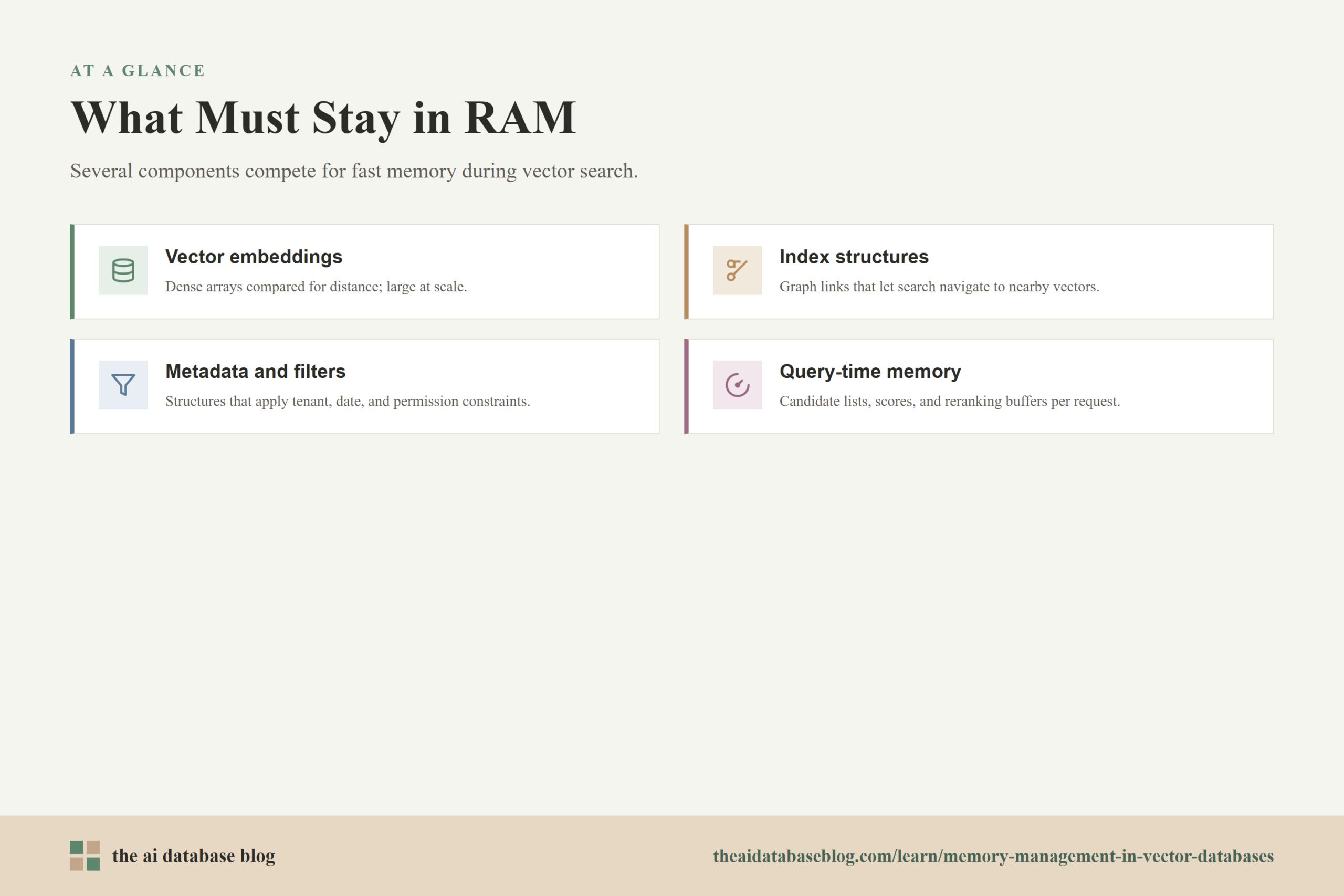
There is no single rule that applies to every vector database, but several components commonly compete for memory. The vector index is usually the largest and most performance-sensitive part, especially when using memory-oriented approximate nearest neighbor structures. The database may also need memory for query execution, metadata filters, caches, write buffers, background compaction, and temporary candidate sets used during search.
For many graph-based vector indexes, RAM is important because search involves moving through connected nodes. If the graph and candidate vectors are in memory, the database can compare candidates quickly. If the system has to fetch many graph nodes or vectors from disk during a search, latency can become less predictable because graph traversal often creates scattered access patterns rather than clean sequential reads.
At a practical level, what must stay in RAM is whatever the database needs to meet its latency and recall goals under expected concurrency. That may be the full vector index, a compressed version of the index, the hottest shards, graph entry points and upper layers, metadata structures used for common filters, or a cache of vectors that are frequently visited during search.
Vector Embeddings and Index Structures
Raw embeddings can be large. A 768-dimensional vector stored as 32-bit floats uses 3,072 bytes before accounting for index overhead, object metadata, allocator overhead, replication, or temporary query memory. Multiply that by millions of objects, and the raw vector memory alone becomes significant.
The index can add another major layer of memory. In graph-based indexes such as HNSW, each vector is represented as a node connected to nearby nodes. Those connections help the database navigate quickly from a broad starting point toward close matches, but they also consume memory. Tuning parameters that increase connectivity can improve recall or search quality, but they can also increase memory consumption.
Metadata and Filter Structures
Vector search often runs with filters: user ID, document type, language, timestamp, access permissions, region, product category, or other structured fields. The database needs efficient ways to apply those filters without scanning unnecessary candidates. Depending on the system, filter indexes and related metadata can also require memory, especially when filters are high-cardinality or heavily used.
Filtering is not just a storage feature. It changes the memory and latency profile of search. A selective filter can reduce the candidate space and improve efficiency, but it can also force the database into more complex query planning if the vector index and metadata index do not line up well. For multi-tenant AI systems, access-control filters may be part of the hot path and should be treated as memory-relevant infrastructure.
Query-Time Memory
Every query needs some temporary memory. The database may hold candidate lists, distance scores, intermediate heaps, reranking inputs, decompressed vectors, and result buffers. Higher recall settings often increase the number of candidates inspected, which can increase both CPU work and memory use per query. Under concurrency, small per-query allocations can become meaningful.
This is why memory planning should include query load, not only stored data. A database that fits comfortably at rest can still experience pressure during traffic spikes, bulk imports, or background maintenance. The steady-state footprint and the peak operational footprint are different numbers.
Once the memory-critical components are clear, the next design question is how to reduce pressure when the entire dataset or full-precision index cannot stay in RAM. That is where compression, eviction, caching, and tiering become practical tools.
Eviction, Caching, and Tiering
Eviction and tiering are ways to decide what leaves fast memory when memory is limited. Eviction usually refers to removing items from a cache so memory can be used for something more valuable. Tiering refers to placing data across different storage levels, such as RAM for hot data, SSD for warm data, and object storage or archival storage for cold data. In vector databases, these decisions are more complicated than in simple key-value systems because query work may depend on graph traversal, vector comparisons, metadata filters, and candidate reranking.
The goal is not to push as much data out of RAM as possible. The goal is to keep the right data close enough to the query path that the database can meet its performance targets without paying for unnecessary memory. That means eviction and tiering policies should be guided by workload behavior, latency requirements, and recall expectations.
Cache Eviction
A vector database cache may store frequently used vectors, compressed vector representations, index pages, graph nodes, metadata pages, or query results. When memory fills up, the system has to evict something. Common eviction policies favor recently used or frequently used data, but vector search can be harder because a node may be important even if it is not directly returned to users.
Eviction becomes risky when the cache no longer holds the true working set. The system may repeatedly load data from disk, evict it, and then need it again shortly afterward. This pattern, often called cache thrashing, can turn a normally fast vector search system into one with unstable tail latency. Average latency may look acceptable while the slowest requests become painful.
Hot, Warm, and Cold Tiers
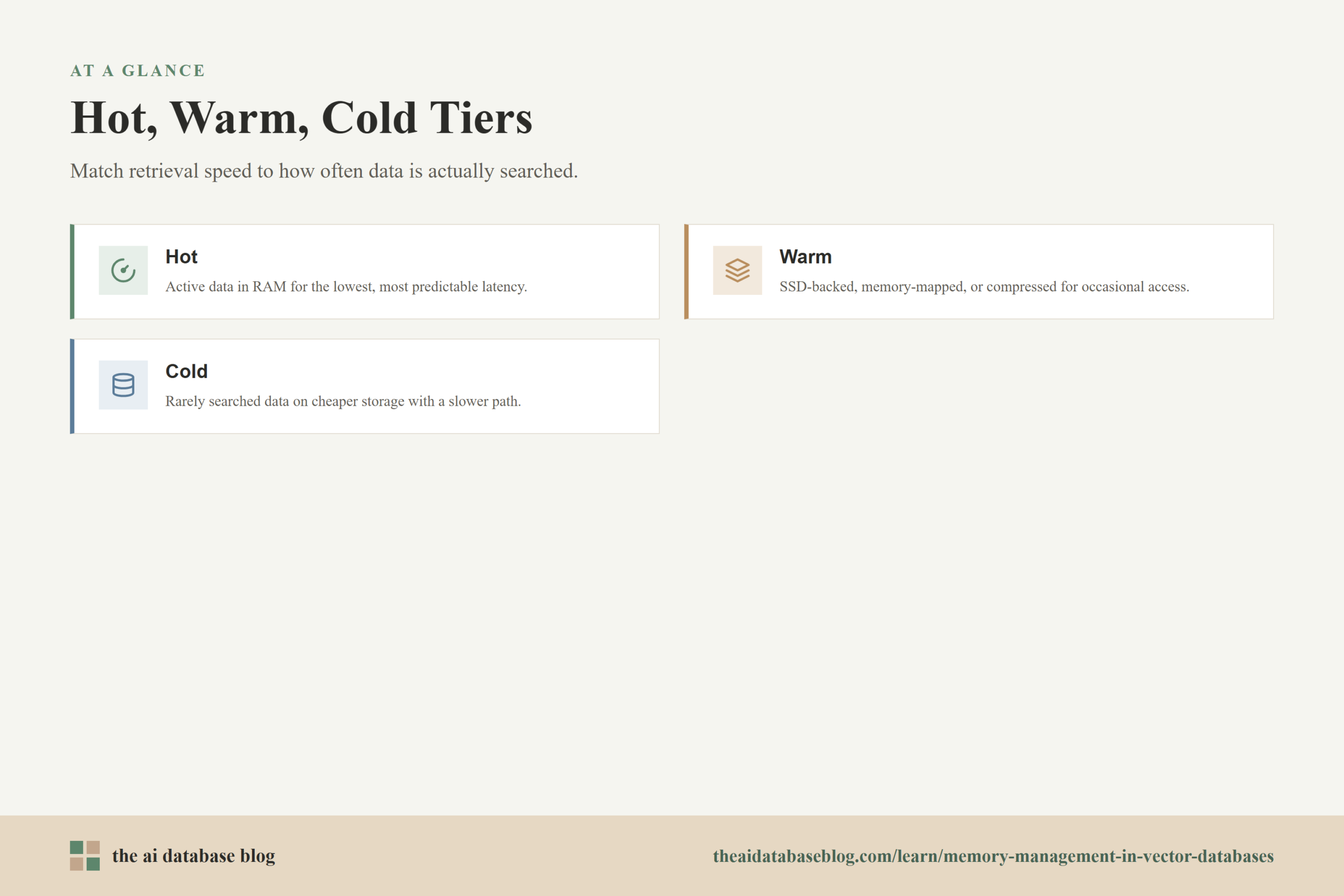
Tiering separates data by expected access speed and cost. A hot tier keeps the most active data in RAM or as close to RAM as possible. A warm tier may use SSD-backed storage, memory mapping, compressed indexes, or partial caching. A cold tier may store rarely searched data more cheaply and accept slower retrieval or batch-oriented workflows.
For example, a knowledge retrieval application might keep current documentation in the hot tier, older but still relevant documentation in a warm tier, and archived documents in a cold tier. A query can search hot data first, expand to warm data when needed, and only touch cold data for broad or historical questions. This approach lets the application preserve speed for common use cases while keeping older knowledge available.
Compression as a Memory Strategy
Compression is often used alongside tiering. Vector quantization represents embeddings with fewer bits, which can greatly reduce memory use and improve cache density. Scalar quantization, product quantization, binary quantization, and related techniques all reduce the size of vector representations, but they introduce tradeoffs because compressed vectors approximate the original values.
The practical question is whether the application can tolerate the recall and ranking changes introduced by compression. In many retrieval systems, compression works well when paired with reranking or when the first-stage search only needs to produce a strong candidate set. In other systems, especially those that require very precise nearest-neighbor ranking, compression must be tested carefully against real queries.
Eviction, tiering, and compression all reduce memory pressure, but they do not remove the need to understand performance effects. The next section connects those mechanisms to latency, because memory pressure rarely shows up as a clean failure at first. More often, it appears as slower, less predictable queries.
How Memory Pressure Affects Latency
Memory pressure affects latency by forcing the database to do more work outside fast memory. When the working set fits in RAM, vector search can usually stay close to predictable CPU and memory-access costs. When it does not fit, the database may depend more heavily on disk reads, operating system page cache behavior, decompression, cache refills, or repeated index-page loading. These operations are slower and less predictable than RAM access.
The effect is especially visible in tail latency. A few queries may hit cached data and return quickly, while others touch cold regions of the index and wait on storage. For user-facing AI systems, the slow requests often matter more than the average because they shape the perceived responsiveness of the application.
Memory pressure can also reduce throughput. If many concurrent searches compete for the same limited cache, the database may spend more time loading data, evicting pages, and waiting on I/O. CPU may not be the bottleneck, even though the application appears slow. The real bottleneck may be that search is no longer operating over a stable in-memory working set.
Random I/O and Graph Traversal
Graph-based vector indexes are fast in memory partly because they can jump between connected nodes quickly. On disk, those jumps can become random reads if related nodes are not located near each other. Random I/O is much slower than memory access and can be harder to optimize than sequential reads.
This is why disk-backed vector search often needs careful layout, prefetching, caching, or index designs built with storage behavior in mind. Simply moving an in-memory graph index to disk may reduce RAM needs, but it can expose the system to poor locality and higher latency unless the database is designed for that access pattern.
Recall Settings and Candidate Expansion
Many vector indexes expose tuning settings that control how broadly the database searches. Higher recall usually means inspecting more candidates. When the index is in RAM, this may be acceptable. Under memory pressure, inspecting more candidates can mean more cache misses, more disk reads, or more decompression work.
This creates a three-way tradeoff among recall, latency, and memory. Lowering search breadth may reduce latency but can hurt result quality. Increasing memory or improving cache hit rates may preserve recall while keeping latency low. Compression may reduce memory needs but can alter ranking accuracy. The right choice depends on the application and should be tested with real queries.
Latency is only one side of the memory story. The other side is cost. RAM is one of the most expensive resources in a vector database deployment, so memory decisions directly influence how much the system costs to run and how much headroom it has for growth.
How Memory Pressure Affects Cost
Memory pressure affects cost because RAM-heavy deployments require larger machines, more replicas, more shards, or more specialized infrastructure. A system that keeps every vector and index structure in memory may deliver excellent latency, but it can become expensive as the dataset grows. The cost is not just the RAM itself; it also includes operational headroom, replication, failover capacity, and the engineering time needed to keep the system stable.
When memory is undersized, costs can rise in a different way. The system may need more nodes to spread out the working set, more SSD performance to absorb cache misses, or more compute to handle decompression and repeated candidate work. In some cases, saving money on RAM creates higher latency, lower throughput, or more complex operations elsewhere.
The most cost-effective design usually matches storage quality to data temperature. Hot data gets the fastest path. Warm data gets a balanced path. Cold data gets the cheapest acceptable path. This is more nuanced than simply choosing between in-memory and on-disk search, because many production systems use a mixture of RAM, compression, caching, SSDs, and selective retrieval.
When More RAM Is the Right Answer
Adding RAM is often the simplest and most reliable fix when the active working set is larger than available memory and the application needs consistently low latency. More memory can improve cache hit rates, reduce disk reads, and give the system more room for query-time allocations and background tasks.
More RAM is especially justified when the workload is latency-sensitive, the hot data is large and stable, recall requirements are high, or engineering time is more valuable than squeezing every byte out of the system. It is also useful when memory pressure is causing unpredictable tail latency that cannot be solved cleanly through tuning.
When Tiering or Compression Is Better
Tiering or compression is often better when the total dataset is much larger than the active working set, when some latency variation is acceptable for cold data, or when the application can rerank candidates after an approximate first-stage search. These approaches can reduce RAM requirements while preserving enough retrieval quality for the use case.
They are also useful for systems with strong long-tail data patterns. If only a fraction of vectors are queried frequently, a hot tier plus compressed or disk-backed warm tier can be much more efficient than scaling the entire deployment around full in-memory search.
Cost decisions become easier when they are tied to measurable workload behavior. The final practical step is to monitor the signals that reveal whether the memory plan is working or whether the database is drifting toward instability.
Practical Signals to Monitor
Memory management should be validated through metrics, not assumptions. A vector database may look healthy by total memory usage while still delivering poor latency because the wrong data is cached. Conversely, a system with high memory usage may be stable if the working set fits comfortably and there is enough headroom for query spikes. The useful signals are the ones that connect memory behavior to search behavior.
Teams should monitor latency percentiles, cache hit rates, disk read volume, query throughput, memory utilization, out-of-memory events, background compaction or import activity, and recall quality on representative evaluation queries. It is also important to segment these metrics by collection, tenant, shard, or data tier. Aggregate metrics can hide the fact that one hot tenant or one broad query pattern is creating most of the pressure.
For AI applications, relevance evaluation belongs in the same conversation as infrastructure monitoring. A memory-saving change that reduces recall may look successful in a dashboard but fail users by returning weaker context. Testing should include both system metrics and retrieval-quality metrics.
Useful Questions for Capacity Planning
- How large is the full dataset, and how large is the active working set during normal traffic?
- Which collections, tenants, filters, or time ranges account for most searches?
- Does the current index need full vectors in RAM, compressed vectors in RAM, or only selected index pages cached?
- What latency target applies to hot data, and what latency is acceptable for cold data?
- How much query-time memory is used during traffic spikes or high-recall searches?
- What happens to recall and ranking quality when compression, lower search breadth, or tiering is enabled?
These questions make memory planning more concrete. Instead of asking whether the database has enough RAM in the abstract, they connect memory to user-visible behavior, retrieval quality, and budget. That is the right level for designing production vector search systems.
FAQs
1. What is the working set in a vector database?
The working set is the portion of vectors, index structures, metadata, and cache state that the database needs frequently enough to affect normal query performance. It is not always the same as the most recently inserted data or the data most often returned to users. It can also include index nodes and filtered partitions that searches repeatedly traverse.
2. Does a vector database need to keep all vectors in RAM?
Not always. Some deployments keep the full index in RAM for the lowest and most predictable latency, while others use compression, disk-backed indexes, memory-mapped files, caching, or tiering. The right choice depends on dataset size, latency targets, recall requirements, query frequency, and cost constraints.
3. Why are graph-based vector indexes memory-heavy?
Graph-based indexes store more than the vectors themselves. They also store connections between vectors so the database can navigate quickly toward likely nearest neighbors. Those connections improve search speed and recall, but they add memory overhead that grows with the number of vectors and the connectivity settings used by the index.
4. How does eviction affect vector search latency?
Eviction affects latency when useful index pages, vectors, or metadata are removed from memory and must be loaded again during search. If the cache is too small for the active working set, the database may repeatedly evict and reload the same data. That can increase disk reads, create unstable tail latency, and reduce throughput under concurrency.
5. Is vector compression always a good way to reduce memory?
Compression can be very useful, but it is not automatically the right choice. Quantization reduces memory by representing vectors with fewer bits, which can improve cache density and lower cost. The tradeoff is that compressed vectors approximate the original embeddings, so teams should test recall and ranking quality on real queries before relying on compression in production.
6. How should cold vector data be handled?
Cold vector data should usually remain searchable, but it does not always need the same latency target as hot data. Common approaches include placing it on a warm or cold storage tier, using a disk-backed index, compressing it more aggressively, searching it only after hot data fails to answer the query, or running slower historical retrieval workflows when needed.
Takeaway
Memory management in vector databases is about matching retrieval speed to data temperature. Readers should now understand the difference between working set and cold data, why vector indexes often need significant RAM, how eviction and tiering influence search behavior, and why memory pressure can raise both latency and cost. This guidance is most useful for teams building AI search, RAG, recommendation, or agent memory systems where fast retrieval matters but the full dataset may be too large or too expensive to keep entirely in memory.